_1@2x.png)
Fix for when the lightbox is not displaying PDFs
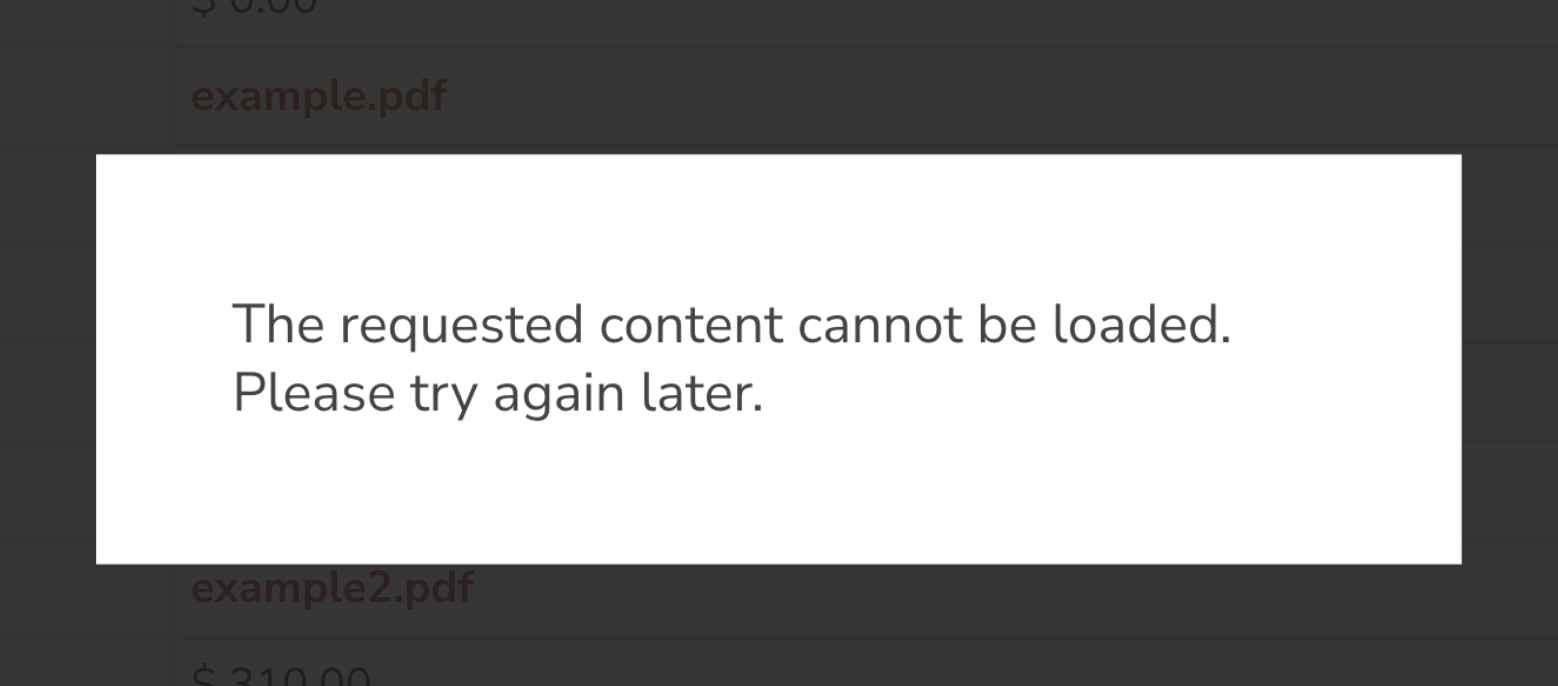
For some sites, PDF links being show in a lightbox may throw the error:
The requested content cannot be loaded. Please try again later.
This happens when Fancybox doesn’t always know how to handle PDFs. In these scenarios, you can modify the links to open PDFs using a different method instead (inside an "iframe").
The fix
Add the following snippet to your site. Not sure where to add code snippets? Read this article.
/**
 * Force Fancybox to treat PDFs as iframes.
 *
 * This ensures PDF files open correctly in a Fancybox modal when experiencing a "cannot be loaded" error.
 * @param array $atts Link attributes for the File Upload field.
 * @return array Modified link attributes with data-type set to iframe for PDFs.
 */
add_filter( 'gravityview/fields/fileupload/link_atts', function( $atts = [] ) {
	if ( ! isset( $atts['data-type'] ) || 'pdf' !== $atts['data-type'] ) {
		return $atts;
	}
	$atts['data-type'] = 'iframe';
	return $atts;
}, 20 );
This snippet will modify GravityView so that PDFs are displayed as an iframe.
When to use
Use this snippet if:
- You’re displaying uploaded PDF files with GravityView.
- The links trigger a lightbox, but fail to display properly.
- You see the “cannot be loaded” error.