_1@2x.png)
Error: CSV file failed to upload
GravityImport allows CSV file uploads automatically, even if your WordPress site restricts certain file types. If you're seeing this error, try the following troubleshooting steps.
Error message
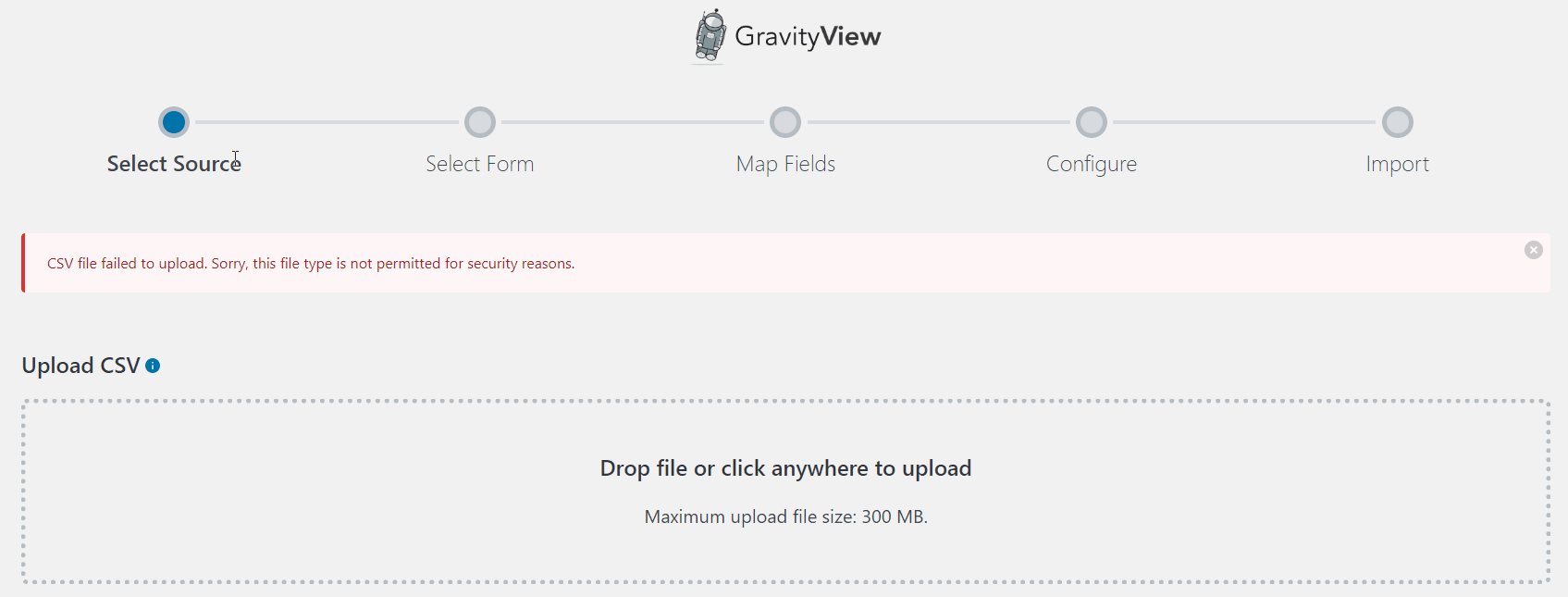
1. Make sure GravityImport is up to date
Older versions of GravityImport did not override WordPress MIME type restrictions. Update to the latest version by going to GravityKit > Products & Licenses and clicking Update next to GravityImport.
2. Check that your file has a .csv extension
GravityImport accepts .csv files. If your file has a different extension (like .txt or .xlsx), rename it or re-export it from your spreadsheet application as a CSV file.
3. Check the file size
Your server has an upload size limit. GravityImport displays the maximum allowed file size on the upload screen. If your CSV file exceeds this limit, you can:
- Split the CSV into smaller files
- Ask your hosting provider to increase the
upload_max_filesizeandpost_max_sizePHP settings
4. Check for hosting-level restrictions
Some hosting providers block CSV uploads at the server level (outside of WordPress). If updating GravityImport and checking the file size don't resolve the issue, contact your hosting provider and ask them to allow CSV file uploads.